
Nuclear Design Bureau · Gameplay · Guide
Nuclear Design Bureau — How to Save Designs and Game Progress
Nuclear Design Bureau how to save: use the design files box for blueprints, rely on Save Anytime and Steam Cloud for progress, and know the known save caveats.
By the New Game Wiki team · Updated 2026-10-04
On this page (8)
- How to Save and Load a Design
- Saving Progress, Cloud and Rollback
- Reported Save Problems and What to Do
- How do I save a design in Nuclear Design Bureau?
- Why did my sandbox design disappear when I reloaded?
- Can you save at any time during a run?
- Does the game use Steam Cloud?
- Where do I go if a save breaks after an update?
Nuclear Design Bureau how to save splits into two separate habits, and confusing them is why players lose work. Your campaign progress uses a normal save system with an anytime-save category and Steam Cloud, so the game covers the run for you. Your designs do not work that way: blueprints live in a design files feature that you have to use deliberately, and a reported symptom from the Steam discussions is a player losing every sandbox design between sessions because they expected the build to persist on its own.
How to Save and Load a Design
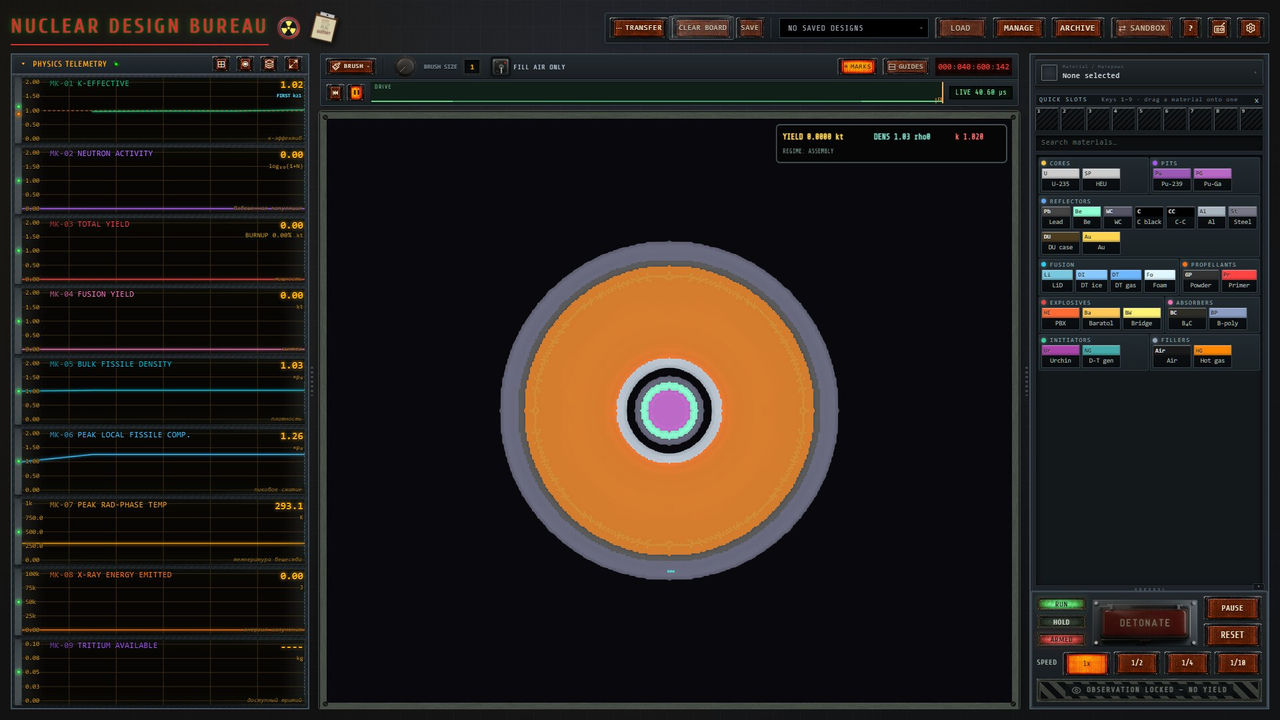
The design save path is not obvious, which is why the question keeps coming up. A community answer on the Steam discussions describes where to find it: there is a box to save your designs at the bottom of the materials menu, under the header design files, and saved designs can be loaded again from the drop-down menu at the top of the screen.
| Action | Where it lives |
|---|---|
| Save a design | The save box at the bottom of the materials menu, under the header design files |
| Load a design | The drop-down menu at the top of the screen |
| Automatic design persistence | Not reported; designs are not kept between sessions by default |
| Reported symptom | Sandbox designs missing after exit and reload, requiring a rebuild |
- Save after each meaningful iteration rather than only when a design works, because the failures teach you more.
- Name or order saves so a messy experiment does not overwrite the design you were improving.
- Save before a physics-heavy test, since large designs are slow to run and expensive to rebuild.
- Use the load drop-down to compare two layouts without rebuilding the first one.
- Treat the design files box as your scratchpad for a directive, and keep the working version separate.
Saving Progress, Cloud and Rollback
Progress saving is the well-covered side. Steam lists Save Anytime as an accessibility category, alongside Custom Volume Controls, Mouse Only Option and Playable without Timed Input, and the developer describes the current Early Access build as including save and load systems with ongoing stability improvements. Steam Cloud is also listed, so saves can travel with your account, and Family Sharing is supported.
| Save feature | Documented status |
|---|---|
| Save Anytime | Listed as an accessibility category on the store page |
| Save and load systems | Present in the current build, with ongoing stability improvements |
| Steam Cloud | Listed among store features |
| Family Sharing | Listed among store features |
| Previous build branch | A hotfix note says the previous build is on a previous branch on Steam |
The rollback branch is the detail worth remembering. A later hotfix note states that the previous build is available on a previous branch on Steam, which gives you a way to keep playing a working version while a new build settles. During Early Access that is a practical safety net rather than a curiosity, especially because the store page warns the build may contain bugs, freezes and crashes.
Reported Save Problems and What to Do
Two distinct issues appear in the recorded material, and they have different fixes. The sandbox design loss is a usage issue: the game has a save path, and the answer is to use it. The second is build-level instability, which the developer acknowledges and addresses through patches.
- If designs vanish between sessions, go to the design files box under the materials menu and save explicitly before exiting.
- If a new build misbehaves, check whether the previous build is available on the previous branch.
- If a save behaves oddly after a physics patch, read the patch note first, because the notes have announced changes to simulation behaviour that affect designs.
- Report repeatable issues on the hub rather than assuming a workaround is universal, because the developer states the campaign, physics and tools change based on player feedback.
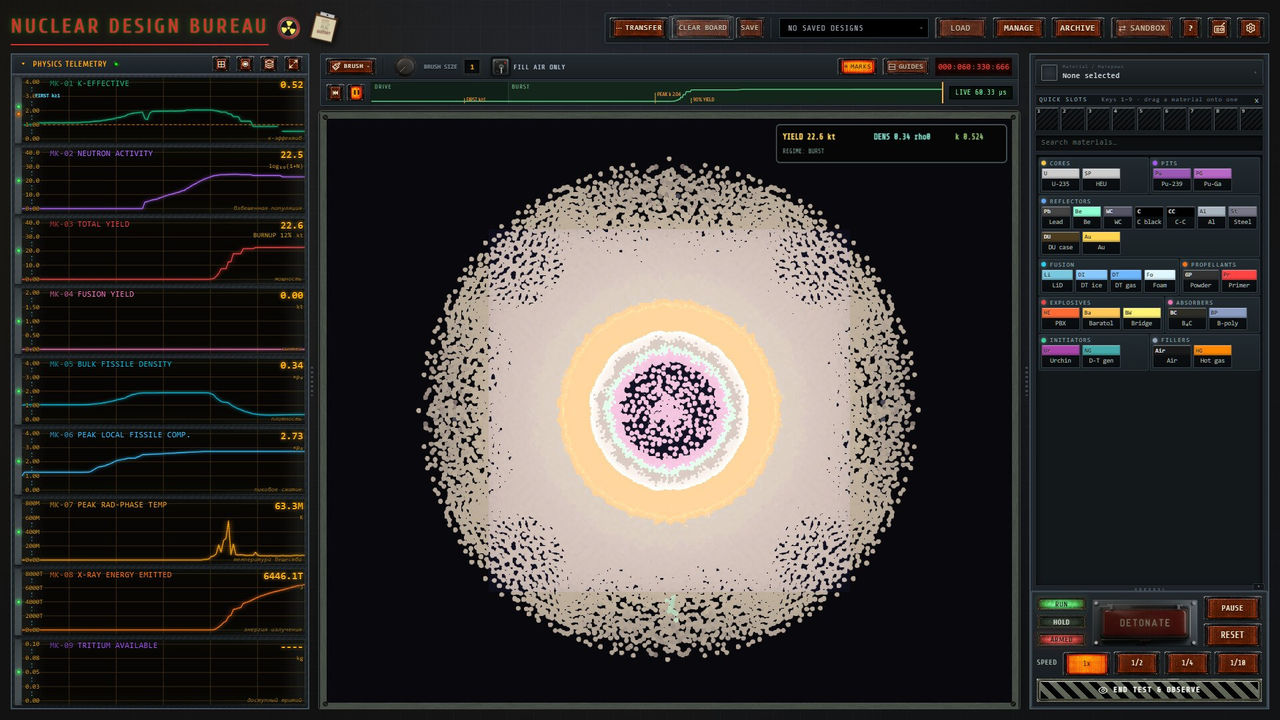
One caution about guides: no official source publishes a save file location, a slot count or a cloud-sync troubleshooting procedure, so any page claiming those specifics should be marked to confirm. What is documented is enough to protect your work: save designs through the design files box, keep Save Anytime and Steam Cloud in mind for progress, and use the previous branch if a patch goes wrong. For what a saved design is worth once you reload it, see the guide page and the implosion page.
FAQ
How do I save a design in Nuclear Design Bureau?
Use the design files feature rather than relying on the session to persist. A community answer on the Steam discussions states that there is a save box at the bottom of the materials menu under the header design files, and that you load saved designs again from the drop-down menu at the top of the screen.
Why did my sandbox design disappear when I reloaded?
That exact symptom was reported in the Steam discussions by a player who found none of their sandbox designs persisted between sessions and had to redesign a primary stage from scratch. The reply identified the design files box as the intended save path, so the fix is to save deliberately rather than assume an autosave.
Can you save at any time during a run?
Yes. Steam lists Save Anytime as an accessibility category for this game alongside Custom Volume Controls, Mouse Only Option and Playable without Timed Input, and the developer describes the current Early Access build as including save and load systems with ongoing stability improvements.
Does the game use Steam Cloud?
Yes. Steam Cloud is listed among the store features, so saves can sync through your Steam account when cloud sync is enabled. Family Sharing is listed as well, which is worth knowing if you are playing on a shared library.
Where do I go if a save breaks after an update?
Check the announcements first. A later hotfix note states that the previous build is available on a previous branch on Steam, so a broken build can be rolled back while a fix is pending, which is a useful escape hatch during Early Access.
References
- Nuclear Design Bureau on Steam
- How to save a design in sandbox? — Steam discussion
- Nuclear Design Bureau — Steam Community Hub news and patch notes
- Nuclear Design Bureau — SteamDB app record
Facts on this page are compiled from the references above. Items marked "to confirm" are single-source and not yet verified.