
Tiny Eden · Money · Guide
Tiny Eden How to Open Shop — 100 Coins, Shelves and Pricing
Tiny Eden how to open shop: earn 100 coins, collect the key, build showcases and a checkout counter, stock the shelves and fix the refill prompt.
By the New Game Wiki team · Updated 2026-10-04
On this page (7)
To open the shop in Tiny Eden you need 100 coins of lifetime earnings and the shop questline, then a key. The credited walkthrough is specific: the shop opens once you earn a total of 100 coins and after you have progressed through some tasks, and spending does not reduce your total earnings, so the counter tracks what you have earned rather than what you hold. When the milestone lands, collect the key from the parcel terminal and take it to the Atrium.
The 100-Coin Milestone
The route from the milestone to an open shop has a few fixed steps. Go to the Atrium and unlock the door with the Tiny Market sign, then build the fixtures the shop needs. The walkthrough names two: showcases and a checkout counter, with blueprints found in the shop menu under the blueprints section.
| Step | What to do |
|---|---|
| 1 | Reach 100 coins of total earnings |
| 2 | Finish the task that triggers the shop key |
| 3 | Collect the key from the parcel terminal |
| 4 | Unlock the Tiny Market door in the Atrium |
| 5 | Build showcases and a checkout counter |
- Build the checkout counter before you worry about stock.
- Blueprints for both fixtures are in the shop menu.
- Progress tasks in parallel; the coin total alone is not the trigger.
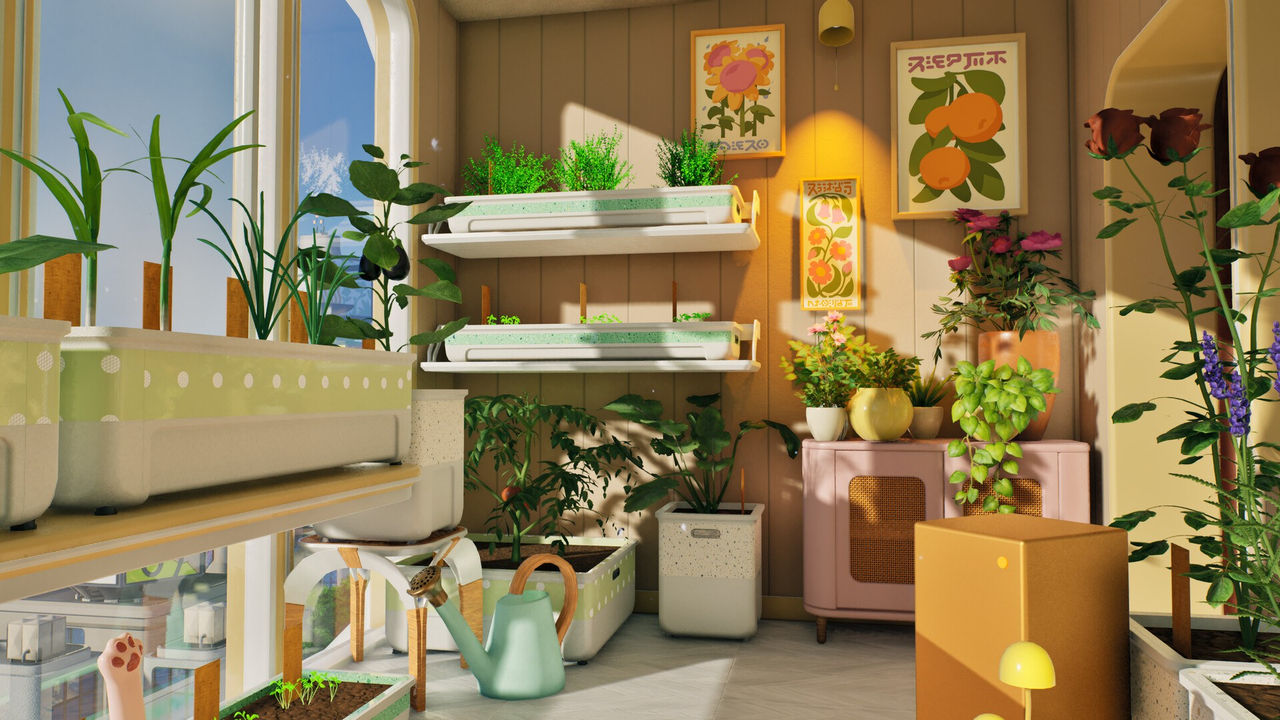
Stocking the Shelves and Pricing
Once the shop is standing, place products on the showcase and set their price. The walkthrough notes you do not have to stay around, because products sell automatically, and that the Trading Hub in the menu lets you raise the final price of any product afterwards.
| Action | Detail |
|---|---|
| Place products | Put items on the showcase to offer them |
| Set prices | Edit the price of each product you place |
| Auto-sell | Products sell while you are away |
| Reprice | Use the Trading Hub to raise a product's final price |
The one snag worth knowing about is shelf placement, which several players hit in launch week. A Steam thread titled "Cannot refill the shelves in the Shop" describes the prompt telling you to use an item while the actual placement needs the item held with the slot selected, and reports that reloading the save restores placement. Another useful detail from that thread is the developer reply warning that having the demo installed can cause odd issues with full-game saves, so uninstall it if the shop misbehaves.
- Restart the save if shelves stay unresponsive after the first placement.
- Hold the item and select its slot so you are carrying a tray before placing.
- Remove the demo install if the full game shows odd shop behaviour.
- Recheck prices in the Trading Hub after a restart, since a reload can reset a display.
FAQ
How do you open the shop in Tiny Eden?
Earn a total of 100 coins and progress through the related tasks, then collect the shop key from the parcel terminal and unlock the door with the Tiny Market sign in the Atrium. The credited walkthrough stresses that spending does not reduce the running total, so the milestone tracks gross earnings rather than your current balance.
What do I have to build before the shop works?
Two things: at least a couple of showcases and a checkout counter. The walkthrough says their blueprints sit in the shop menu under the blueprints section. Place the products on the showcase afterwards, then set the price.
Do I have to stand in my shop to sell in Tiny Eden?
No. The walkthrough states plainly that you do not have to constantly stay at your shop, because your products sell automatically. You can raise the final price of any product afterwards by visiting the Trading Hub in the menu.
Why can I not place items on a shop shelf in Tiny Eden?
A Steam thread from launch week reports exactly this. The fixes that worked were having the item in your inventory with the slot selected so you are holding a tray, and reloading the save, since the placement action does not always respond to the key the prompt shows. A developer reply in the same thread also warns that having the demo installed can cause odd issues.
What is the deadline for opening the shop?
There is none. The developers have confirmed there is no game over and no time pressure in Tiny Eden, so missing the 100-coin milestone for a few days costs you nothing except slower progress. You can keep earning through orders and cooked dishes at your own pace.
More in Money
More money pages in Tiny Eden.
- Tiny Eden How to Make Money — Cooking, Selling and ReinvestingGuideUpdated 2026-10-04
References
- Tiny Eden: Guides, Tips And Walkthrough — Into Indie Games
- Cannot refill the shelves in the Shop — Tiny Eden Steam Community
- Tiny Eden on Steam
- Tiny Eden FAQ — tinyeden.site
Facts on this page are compiled from the references above. Items marked "to confirm" are single-source and not yet verified.