
OpenFront · Gameplay · Guide
OpenFront io — Browser Client, Steam Link and Account Login
OpenFront io explained: the official browser client, the Steam release link, the login options, and what a trusted account opens up in the lobby list.
By the New Game Wiki team · Updated 2026-10-26
On this page (7)
OpenFront io is the official web home of OpenFront and the place where the browser client runs. The page links out to the Steam release, offers sign-in through Discord, Google or Steam, and includes a setting that hands lobby links to the Steam app instead of the browser. For anyone who searched the domain rather than the game name, that is the short answer: it is the same game, served in a browser tab.
What openfront.io actually is
The site is the game's official web presence, not a fan portal or a mirror. Its landing page carries the client, the lobby list and the account controls in one place, and the Steam release is promoted from the same page through a direct link.
That combination is why the domain shows up as its own query. Players see openfront.io in a video description or a Discord message, type the domain, and land on a page that looks like a game client rather than a storefront. The Steam button on that page is the bridge to the desktop version.
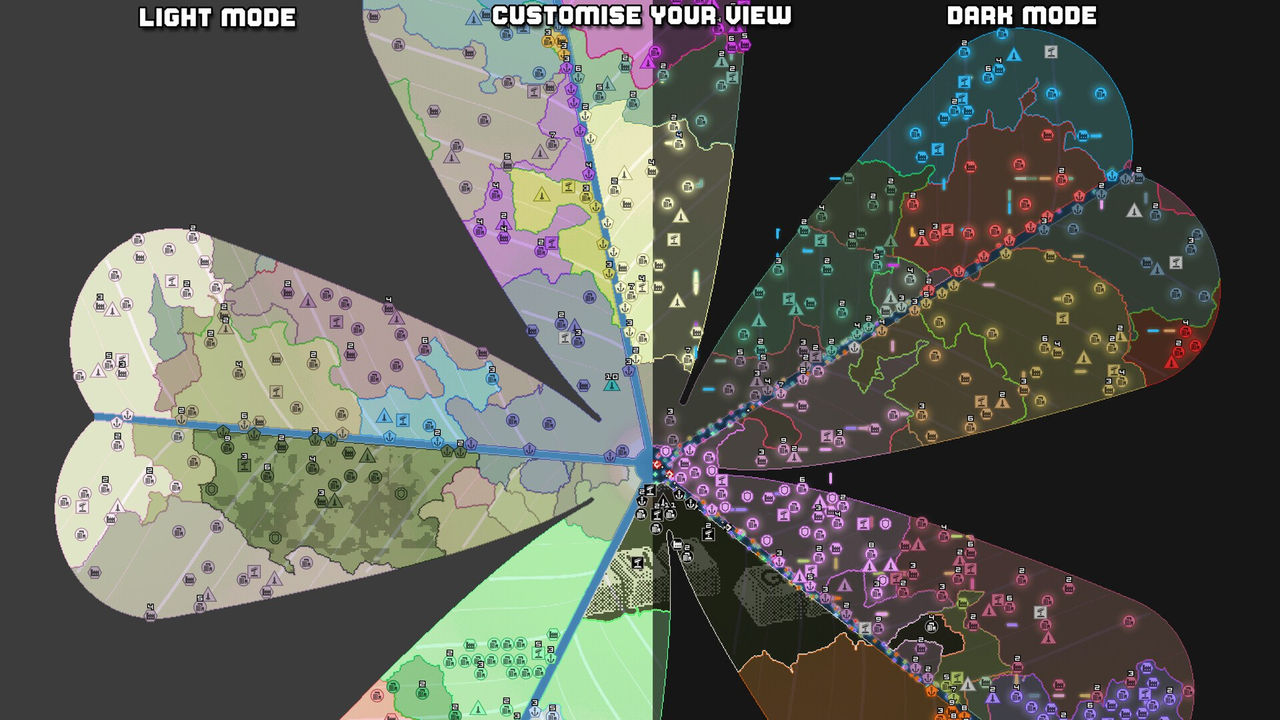
Browser client or Steam release
Both routes lead to the same matchmaking pool, and the site treats Steam as an option rather than a replacement. A setting labelled Open Lobby Links in Steam makes lobby links open in the Steam app instead of joining in the browser, which is the practical difference for a player who already has the Steam client installed.
The setting is worth knowing about because it changes what happens after a click. With it off, a lobby link joins in the browser tab. With it on, the same link hands off to Steam. Neither route changes the game itself; it changes which client opens the lobby.
Signing in and trusted lobbies
The login row offers Discord, Google and Steam. Those are the three identity providers the site supports, and the choice affects the account attached to a player rather than the game rules.
Account status also gates part of the lobby list. Some rooms are labelled Trusted lobby, with the note that they are for trusted accounts only, and a fresh account is told plainly that it is not trusted yet. That is the main reason to sign in rather than play as a guest: the trusted rooms are not visible as joinable until the account qualifies.
What the domain query really means
A search for openfront io is usually a navigation query, and the page answers it without sending the player through a store. The domain is the game, the Steam link is optional, and the account row is the only part that needs a decision before the first match.
FAQ
Is openfront.io the official OpenFront game?
Yes. The site at openfront.io is the game's official home on the web, and it is also where the browser client runs. The same site links out to the Steam release, so the browser and Steam versions are presented as two ways into the same game rather than two different products.
Do you need an account to play OpenFront?
The site offers sign-in with Discord, Google or Steam. An account matters for more than saving progress: some lobbies are marked as trusted lobbies that only accept trusted accounts, and a new account is told it is not trusted yet.
Can you open lobbies in the Steam app instead of the browser?
Yes. A setting called Open Lobby Links in Steam makes lobby links open in the Steam app instead of joining in the browser, which is useful if the Steam client is the preferred way to play.
References
Facts on this page are compiled from the references above. Items marked "to confirm" are single-source and not yet verified.