
OpenFront · Multiplayer · Guide
OpenFront How to Make a Clan — Tags, Squads and Teams
OpenFront how to make a clan: how shared tags put you on the same team in team modes, how to join team lobbies, and how a clan differs from an alliance.
By the New Game Wiki team · Updated 2026-10-04
On this page (8)
- How Clans Work in OpenFront
- Creating a Clan and Joining Team Games
- Squads, the Clans Menu and Free for All
- How do you make a clan in OpenFront?
- Do clan tags work in Free for All?
- What is the difference between a clan and an alliance in OpenFront?
- Can anyone join a team using a clan tag?
- Is there a friends or squad feature in OpenFront?
OpenFront clans are the game's original social layer: a shared tag in your username that puts clan members on the same team in team modes. They are not the same thing as an in-match alliance, and they do nothing at all in Free for All. This page explains how the tag system works, how the developers have been changing clan joining, and how squads and alliances fit around it.
How Clans Work in OpenFront
A clan is a group of players who display a common tag. The community wiki describes it as setting that tag inside your username, such as [TAG] Player, and the payoff is automatic: members of the same clan are placed on the same team in team-based modes. That made shared tags the simplest way to guarantee you and your friends spawn and fight together, without needing a separate party system. The official client also surfaces clans through its Clans menu, where you can browse and view them.
- A tag is your identity, not a temporary in-match agreement.
- Team modes are where it counts, because Free for All ignores tags completely.
- Browsing is in the client, through the Clans menu rather than an external site.
- The system is changing, so check the live client before relying on old descriptions.
| Concept | Where it applies | What it does |
|---|---|---|
| Clan tag | Outside the match | Places members on the same team in team modes |
| Alliance | Inside the match | Stops two sides attacking each other and protects trade |
| Team mode | Lobby setting | Defines the team structure the clan tag hooks into |
| Free for All | Lobby setting | Ignores clan tags entirely; everyone competes alone |
Creating a Clan and Joining Team Games
The practical steps are simple, but the rules around them have tightened.
- Pick a tag and put it in your username, following the [TAG] Player format the wiki documents.
- Join a team mode, because the tag only does anything where teams exist.
- Check the lobby mode before spawning; a Free for All lobby makes the tag cosmetic.
- Expect membership checks. A May 2026 developer issue states clan tags were being locked down so you must be a member of a clan to join rather than just copying the tag.
- Browse rather than guess. The official client's Clans menu is the place to see what exists.
| What you want | Where to look |
|---|---|
| Play with a fixed group | A clan with a shared tag in a team mode |
| Play with one player this match | An in-match alliance, not a clan |
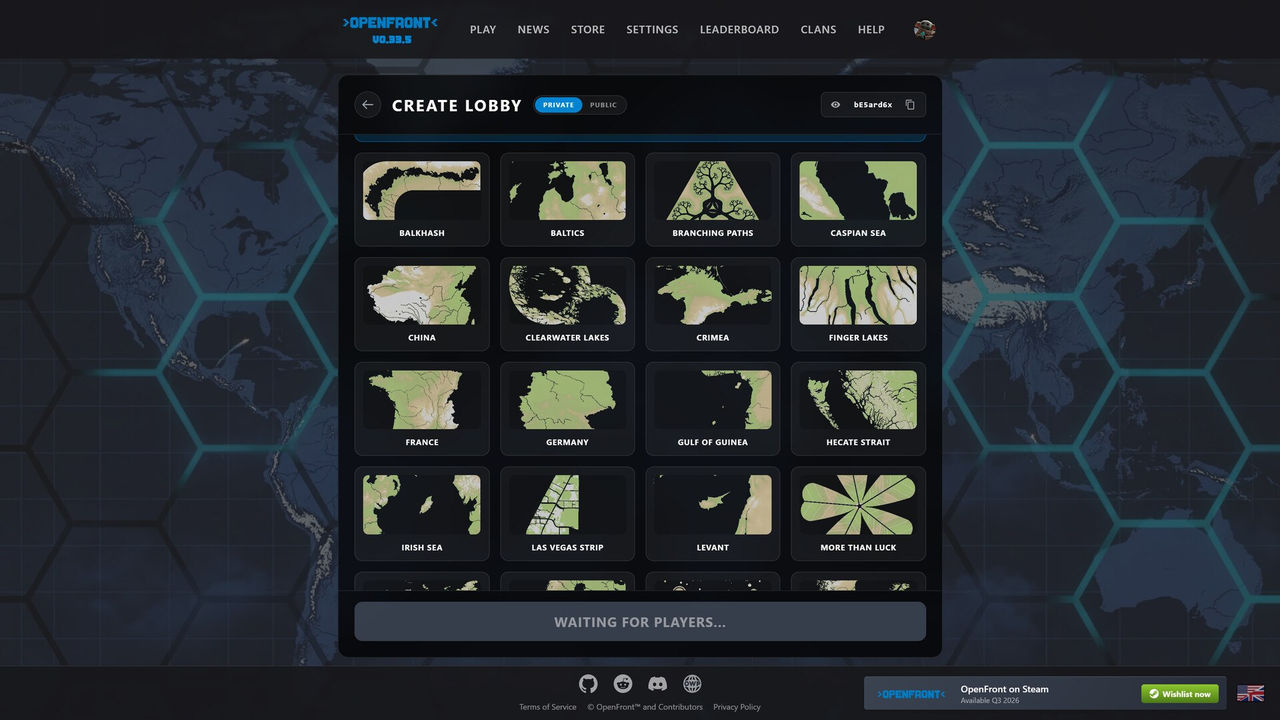
| Join a public team lobby | The official lobby browser's team entries |
| Find an established clan | The in-client Clans menu |
Squads, the Clans Menu and Free for All
The developer issue that describes locking down clan tags also describes why: the old method, agreeing to use the same tag as a friend, was not obvious and was easy to abuse. The proposed replacement was a dedicated squad or friends feature so that players are reliably on the same team as the people they chose. That issue was closed against a pull request in the v32 milestone, so this is an area the developers have actively worked on. In Free for All there is nothing to configure: the wiki states tags confer no team affiliation and everyone competes individually.
If you only want help in a single match, do not reach for the tag system at all. Offer an alliance through the radial menu instead, and remember that it is a temporary deal that can be broken by either side.
FAQ
How do you make a clan in OpenFront?
The community wiki describes the classic method: a clan is a group of players who display a common tag, set by putting that tag in your username, for example [TAG] Player. Members of the same clan are automatically placed on the same team in team-based modes, which is what made shared tags the original way to play with friends. The official client also exposes a Clans menu where you can browse clans.
Do clan tags work in Free for All?
No. The wiki is explicit that in Free for All mode clan tags confer no team affiliation and everyone competes individually regardless of clan membership. If you want the tag to mean anything mechanically, you have to be in a team mode such as the team lobbies listed in the official client.
What is the difference between a clan and an alliance in OpenFront?
They operate at different levels. An alliance is an in-match agreement between two sides that stops them attacking each other and protects their trade, and it expires or can be broken at any time. A clan is a persistent identity outside the match that decides team placement in team modes. You can be in a clan with someone and still ally with a different player once the match starts.
Can anyone join a team using a clan tag?
Not any more, according to the project's own tracker. A developer issue opened in May 2026 states that clan tags were being locked down so players must be a member of a clan to join rather than simply copying a tag into their name. The same issue proposed a dedicated squad or friends feature so players are reliably placed with the people they actually want to play with.
Is there a friends or squad feature in OpenFront?
The developer issue proposing one was closed against a pull request in the v32 milestone, so a squad-style system has been worked on. The pre-existing mechanism is clans and shared tags, and the official client's Clans menu is the place to browse them. Because this is an Early Access game that patches frequently, verify the current squad behaviour in the live client rather than relying on an older description.
References
- Clan - OpenFront.io Wiki - Miraheze
- New method to team up or create a squad for team games — OpenFrontIO issue #3911
- OpenFront — official web client
- Teams - OpenFront.io Wiki
Facts on this page are compiled from the references above. Items marked "to confirm" are single-source and not yet verified.