
Leafy Corner · Customization · Guide
Leafy Corner How To Change Wallpaper — Walls, Floors and Colours
Leafy Corner how to change wallpaper: edit walls and floors from the palette at the counter, recolor furniture any time, and a reported photo option.
By the New Game Wiki team · Updated 2026-10-04
On this page (8)
- How to Change Walls and Floors
- The Furniture and Wall Recolour Flow
- Photo Wallpaper and What Is Unconfirmed
- How do you change the walls and floors in Leafy Corner?
- Can you change wallpaper while the shop is open?
- How do you recolour furniture in Leafy Corner?
- Is there a photo wallpaper option in Leafy Corner?
- Does changing walls or floors cost money in Leafy Corner?
The Leafy Corner how to change wallpaper answer is that the game treats walls and floors as colours rather than fixed paper: you edit them from the colour palette block beside the register, and you can do it at any time, even while customers are shopping. Furniture follows the same logic, with a colour change option on each item. This page covers the palette method, the furniture recolour flow, and a reported photo-based wallpaper route that comes from a single social source and still needs confirming.
The palette and furniture steps come from a hands-on walkthrough video and a credited review, and the no-cost detail comes from a credited review that checked the game's options. The photo method is marked to confirm.
How to Change Walls and Floors
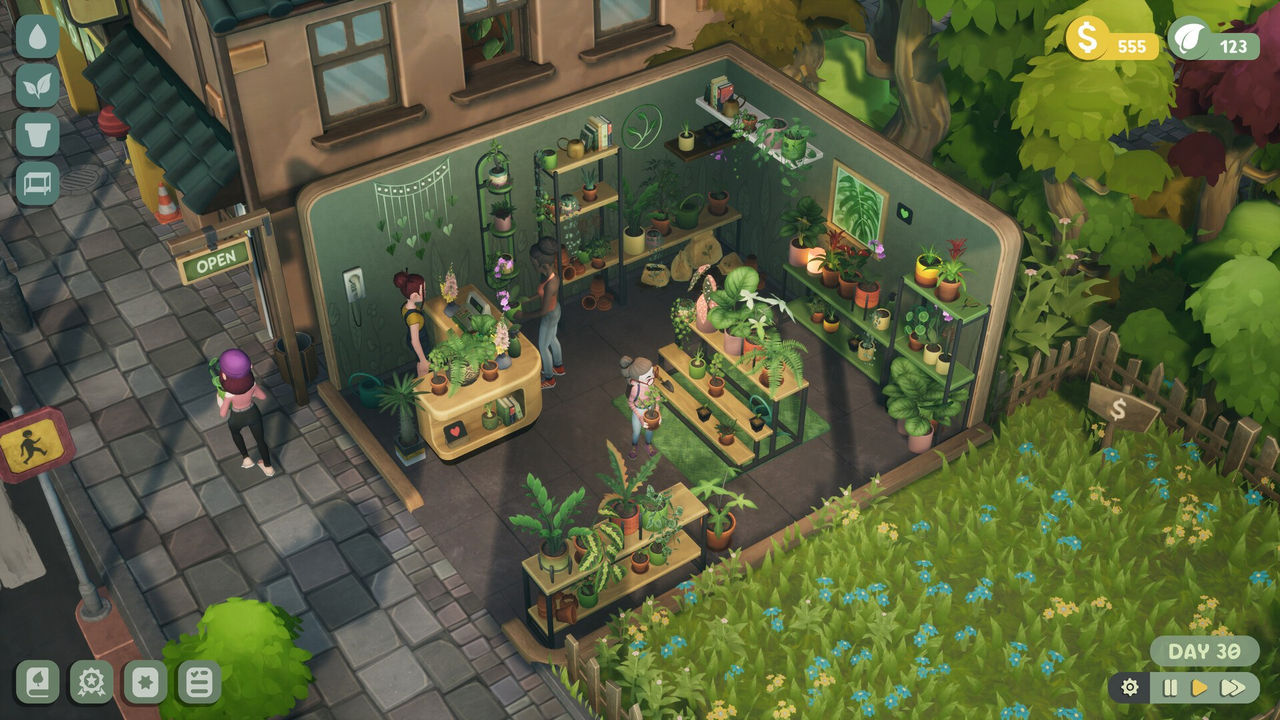
The mechanism is a palette at the counter, not a menu deep in the settings. The hands-on walkthrough video explains that you click the swatches beside the register to change the walls and floors, and a credited review describes the same thing as a colour palette block on the counter that lets you edit all floors and walls quickly. That is the fastest route, and it means you can redecorate without interrupting the day.
The credited review that tested the options adds a detail worth knowing: all customisation options are unlocked from the beginning, with no progression unlocks or costs involved to access them. The same review notes the game prioritises peace and enjoyment over the usual gameplay barriers, and that this felt refreshing. A separate credited review confirms the same from the review side, noting the colours of the walls, floor and furniture are free.
| Change | Where to do it | Cost |
|---|---|---|
| Walls | Colour swatches beside the register | Free |
| Floors | Same palette block at the counter | Free |
| Furniture colour | Click the item, choose colour change | Free |
| Placement | Click the item, choose move | Free |
Two habits that make redecorating quick:
- Change walls and floors together so the room does not end up mismatched.
- Pick a colour you can live with, because every plant is read against it.
The Furniture and Wall Recolour Flow
Redecorating is per-item and reversible, which is what makes it low risk. The walkthrough video says you click a furniture or decor item and choose between move, colour change, copy or sell, and that you can do this at any time. It also notes you can change the shop's design while the store is open and customers are still shopping, or pause the gameplay from the bottom corner without closing the entire shop, and that if you suddenly want the whole shop to be pink you could just do that.
There is also a shop-closing route if you want to work undisturbed. The walkthrough video explains that you click the open sign outside to flip it to close, and that any customers inside immediately walk out unless they are waiting to be checked out, which gives you a clear window for placing plants, watering them, and changing the shop's look. A credited review notes the same close-the-shop function but adds that it is mostly for the player's satisfaction rather than a core mechanic, since pausing works just as well.
| Option when you select an item | What it does | Useful for |
|---|---|---|
| Move | Repositions the item | Rearranging a shelf layout |
| Colour change | Swaps the item's colour | Matching a new wall colour |
| Copy | Duplicates the item | Rebuilding a shelf you like |
| Sell | Removes the item for money | Clearing space |
A short redecorating routine:
- Close the shop or pause first so customers do not stand in the way.
- Change walls and floors, then match the furniture to the new palette.
- Use copy for shelves you want repeated rather than rebuilding them.
- Sell items you have outgrown instead of storing them out of sight.
Photo Wallpaper and What Is Unconfirmed
There is a second, less verified method worth flagging. A credited TikTok result describes a route through what it calls a companion app: open the app, tap the hamburger menu, open display settings, find replace, then pick your favourite photo. Because that description refers to an app rather than to the in-game palette, and because it comes from a single social source with no corroborating text, treat it as to confirm. It is possible the clip refers to a companion or photo feature that the store description does not mention, and it is equally possible it describes something outside the game.
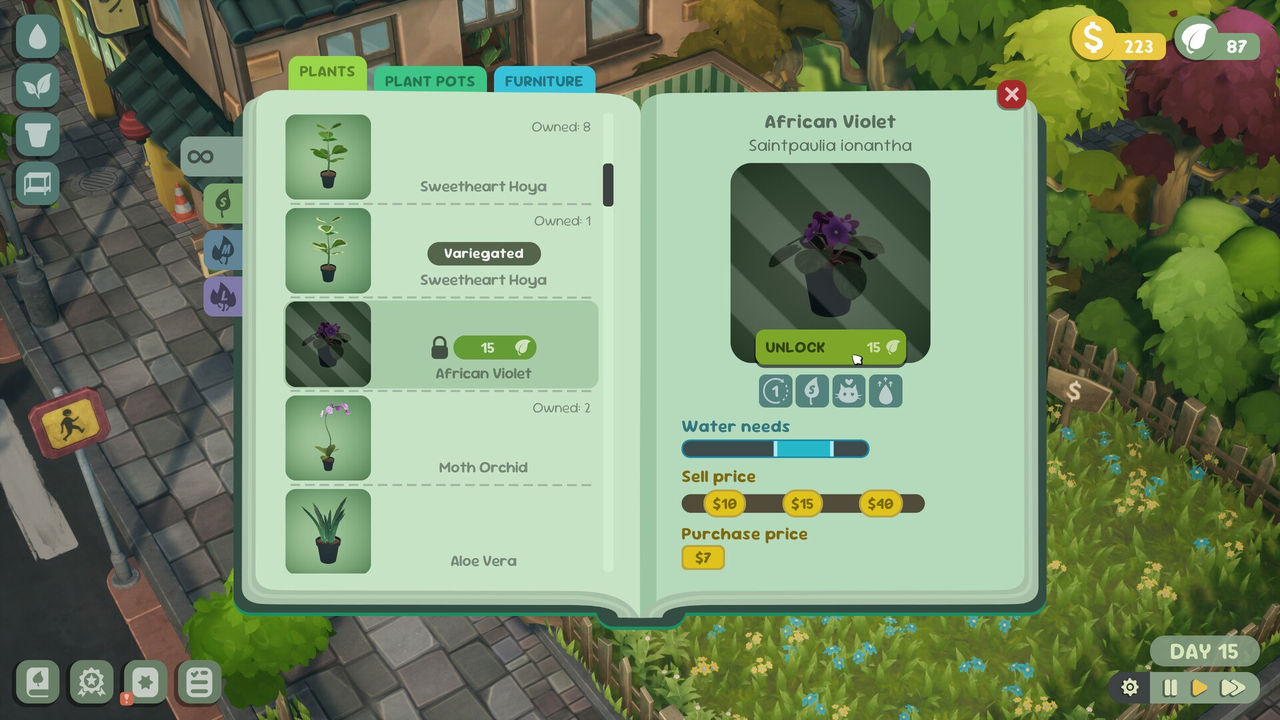
The official store description is the safer guide for what is definitely in the game. It says you decorate your shop with a variety of unlockable items, from shelves to plant pots, and pick colours that fit your mood to create a space that reflects your style. That confirms colours and unlockable decor as the core customisation, while leaving the photo-based wallpaper unverified. If the photo method does exist in your build, the palette route on this page will still be the faster way to change a plain wall.
What to trust and what to check:
- Trust the palette at the counter, which two credited sources describe.
- Trust that walls, floors and furniture colours are free, per a credited review.
- Verify the companion app photo route yourself before relying on it.
- Expect customisation to be unlocked from the start rather than earned.
For the layout choices that the walls and floors sit behind, see the layout page, and for the furniture and plant unlocks that fill the room, see the plants and shop-expansion pages.
In short: change walls and floors from the palette beside the register, recolour any furniture item at any time for free, and treat the reported photo-based wallpaper as unconfirmed until you test it.
FAQ
How do you change the walls and floors in Leafy Corner?
Use the colour swatches beside the register. A hands-on walkthrough video explains that you click the swatches next to the counter to change the walls and floors, and a credited review adds that all floors and walls can be edited quickly from the colour palette block on the counter, with all customisation options unlocked from the start and no costs attached.
Can you change wallpaper while the shop is open?
Yes. The hands-on walkthrough video says you can change up the shop's design at any time, either while the store is open with customers shopping or after pausing the gameplay from the bottom corner, and that no menu trip is required for most changes.
How do you recolour furniture in Leafy Corner?
Click the furniture or decor item and choose colour change. The walkthrough video lists the options as move, colour change, copy or sell, and notes you can do this whenever you like. A credited review adds that shelf colour palettes can be changed immediately from the colour palette icon when you select them.
Is there a photo wallpaper option in Leafy Corner?
A credited TikTok result describes a companion app route: open the companion app, tap the hamburger menu, open display settings, find replace, then pick your favourite photo. That is a single social source describing an app rather than the in-game palette, so treat the photo method as to confirm until you can verify it in your own build.
Does changing walls or floors cost money in Leafy Corner?
No cost is documented. A credited review states that all customisation options are unlocked from the beginning with no progression unlocks or costs involved, and that the colours of the walls, floor and furniture are free, so redecorating is a time cost rather than a money cost.
References
- How to Change The Wallpaper in Leafy Corner (TikTok)
- How to Change The Walls and Floor in Leafy Corner (TikTok)
- Everything You Need to Know About Leafy Corner (YouTube)
- Leafy Corner Review (LadiesGamers)
- Leafy Corner on Steam
Facts on this page are compiled from the references above. Items marked "to confirm" are single-source and not yet verified.