
Leafy Corner · Shop · Guide
Leafy Corner How To Expand Shop — Reputation Level 3 and the $1000 Cost
Leafy Corner how to expand shop: the first expansion lands at reputation level 3 for about $1000, opens the fenced garden, and needs watering under control.
By the New Game Wiki team · Updated 2026-10-04
On this page (8)
- When the First Expansion Unlocks
- What You Get and What It Costs
- Should You Expand Immediately
- How do you expand the shop in Leafy Corner?
- How much does the first Leafy Corner expansion cost?
- How many shop expansions are there in Leafy Corner?
- Should you expand the shop as soon as it unlocks?
- What should you do right after expanding in Leafy Corner?
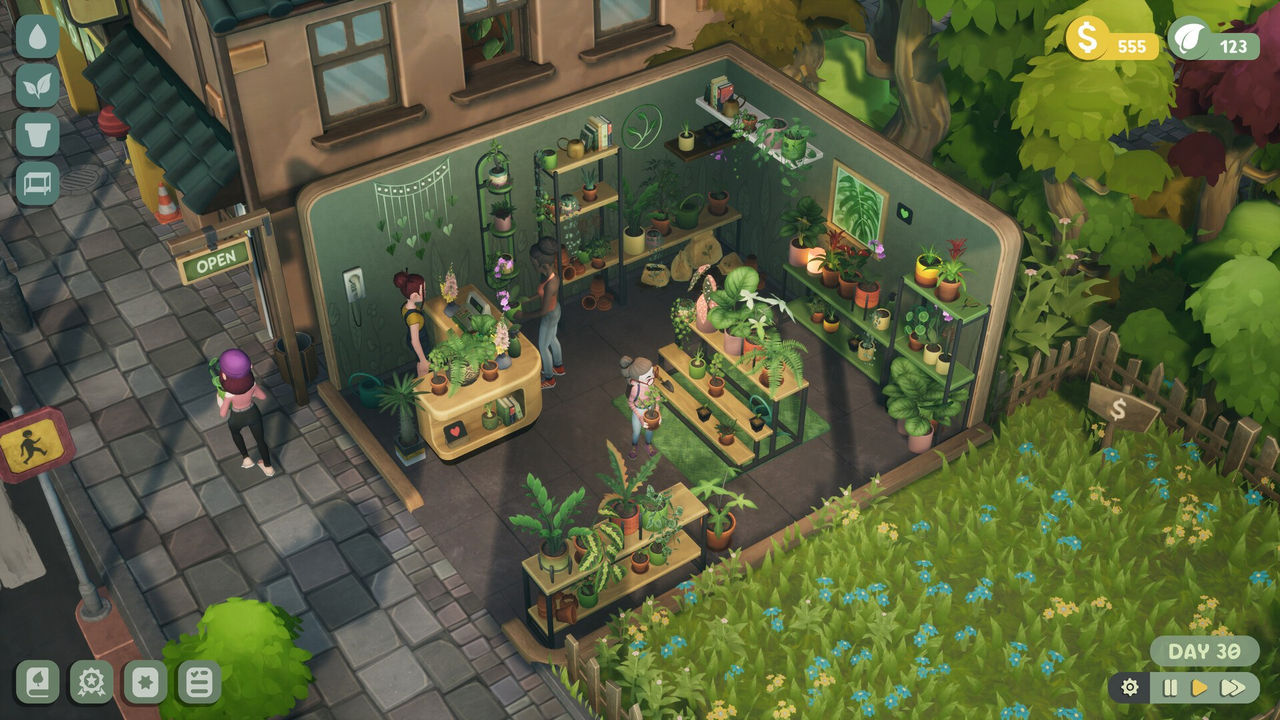
The Leafy Corner how to expand shop answer is a reputation gate and a price: the first expansion unlocks at reputation level 3 and costs about $1000, and the developer confirmed that the shop then expands into the fenced-off garden space. There are two expansions in total, and the credited guidance is to treat the first one as a watering check rather than a shopping spree, because a bigger floor multiplies whatever care habits you already have.
Cost and timing come from a credited expansion guide and a credited beginner guide, the garden-space detail from a developer reply in the Steam forums, and the two-expansion total from a credited review and a hands-on video.
When the First Expansion Unlocks
The trigger is reputation rather than money alone. The credited expansion guide places the first shop expansion at reputation level 3 for about $1000, and the credited beginner guide agrees on both the level and the price, adding that you can earn the money without too much trouble if you keep reinvesting in productive stock instead of expensive decor. The developer reply in the Steam forums frames the same gate from the design side, explaining that you can expand once you reach a certain reputation level.
Reputation rises through sales and goals, so the practical route to the expansion is to keep selling, keep completing tasks, and avoid sinking money into decorations that do not produce income. The credited beginner guide warns specifically that buying expensive decorations slows your overall progress, and that racks, vases and plants are the purchases that pay for themselves. That is the trade-off to weigh before the expansion appears.
| Expansion detail | Value | Source |
|---|---|---|
| Reputation level | 3 | Credited expansion guide and beginner guide |
| Cost | About $1000 | Credited beginner guide |
| Where it expands | The fenced-off garden space | Developer reply on Steam |
| Total expansions | Two | Credited review and hands-on video |
How to get there quickly:
- Sell continuously rather than hoarding fully grown plants.
- Complete the task list to keep plant tokens and reputation moving.
- Buy productive racks and vases instead of expensive decor.
- Check the reputation tab to see what the next level unlocks.
What You Get and What It Costs
What you get is floor space, and in a shop where every plant needs display room, floor space is the main bottleneck. The credited review notes that you unlock two expansions of the shop, and the hands-on walkthrough video says there are two moments in the reputation levels where you can expand, which means the second expansion arrives at a later reputation tier rather than immediately after the first. The credited expansion guide adds a warning about the cost model: retail expansions may cost tokens plus reputation, so it advises budgeting both before clicking confirm.
The real cost is maintenance. The credited guide's habit checklist is explicit about what should be true before you spend the $1000: a full watering pass with zero hidden thirsty pots, claimed task rewards and a stable token balance, diverse stock ready for upcoming orders, and trait zones started for pet-safe plants and variegations. It also points out that an empty expansion reads as unfinished to browsing customers, so reserving tokens for furniture to fill the new space is part of the cost.
| Cost | Type | Why it matters |
|---|---|---|
| About $1000 | Money | The documented first expansion price |
| Possible tokens | Currency | The guide says expansions may cost tokens too |
| Furniture spend | Money or tokens | An empty wing looks unfinished |
| Watering time | Attention | More floor means a longer care route |
Two things to fund before you expand:
- Furniture to fill the new wing, so it does not look abandoned.
- Existing healthy stock to populate it, rather than a batch of untested new species.
Should You Expand Immediately
The credited expansion guide answers this with a conditional: expand only if watering routes stay clean and productive racks are funded, otherwise fix watering first. Its reasoning is concrete, because expanding while white droplets stack daily multiplies rot risk across hidden corners, and neglected back corners hurt reputation more when shoppers can see empty, wilted sections from the entrance. The guide even offers a readiness test: you are expansion-ready when you complete two full in-game days without new dry plants appearing mid-session and the task list still pays tokens for decor.
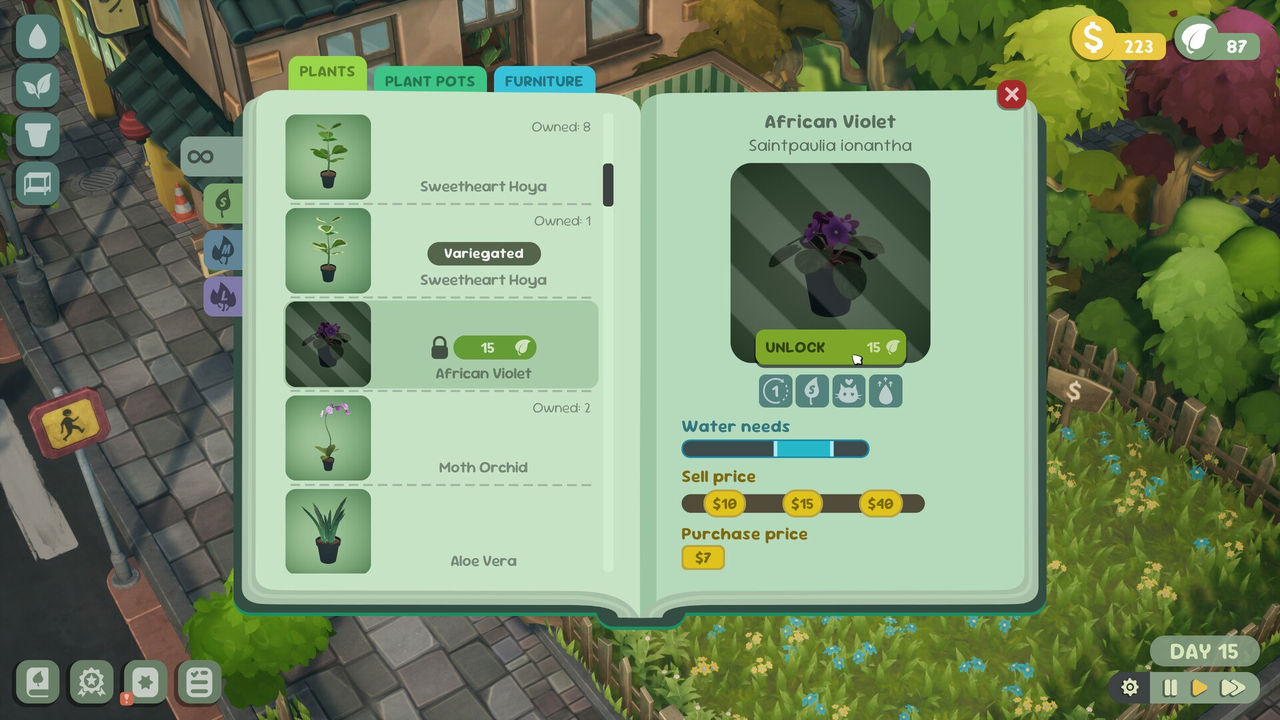
If you do expand, the credited advice is to clone rather than invent. Duplicate a pet-safe shelf, a low-water table or a statement window instead of designing a new zone from scratch, and add new species gradually, because flooding the new space with nine extra pots overnight causes rot. The guide also suggests splitting watering into zone passes, such as the front floor in the morning and the new wing before the customer rush, until one continuous route feels natural. For the plant side of filling the space, see the plants page, for the shelf arrangement see layout, and for the order demand that the space supports see orders.
A post-expansion routine that avoids the common traps:
- Walk the full expanded route twice a day until watering stays steady.
- Fill the wing with existing healthy stock before unlocking more species.
- Add decor so the new space reads as intentional to customers.
- Resist unlocking a second wing until the first is stable.
In short: reputation level 3, about $1000, the fenced garden space opens, two expansions exist in total, and the right moment to buy is when your watering route is clean rather than when the button first appears.
FAQ
How do you expand the shop in Leafy Corner?
Reach the required reputation level and pay the expansion cost. A credited guide places the first shop expansion at reputation level 3 for about $1000, and a developer reply on the Steam forums confirms that you can expand the shop once you reach a certain reputation level, at which point it expands into the fenced-off garden space.
How much does the first Leafy Corner expansion cost?
About $1000. A credited beginner guide states the first expansion becomes available at reputation level 3 and costs $1000, and adds that you should be able to earn that amount without too much trouble if you keep reinvesting in racks, vases and plants rather than expensive decorations.
How many shop expansions are there in Leafy Corner?
Two. A credited review says you unlock two expansions of the shop, and a hands-on walkthrough video says there are two moments in the reputation levels where you can expand. The first is tied to reputation level 3.
Should you expand the shop as soon as it unlocks?
Only if your watering is under control. A credited expansion guide warns that expanding while white droplets stack daily multiplies rot risk across hidden corners, and recommends fixing your watering loops first, then filling the new space with existing healthy stock before unlocking more species.
What should you do right after expanding in Leafy Corner?
The credited guide suggests cloning successful zones instead of inventing new patterns, so you duplicate a pet-safe shelf, a low-water table or a statement window rather than improvising. It also advises placing new species gradually, because flooding the new space with extra pots overnight causes rot.
More in Shop
More shop pages in Leafy Corner.
- Leafy Corner Best Layout — Colour Coding, Zoning and Display TipsGuideUpdated 2026-10-04
References
- Shop Expansion Guide | Leafy Corner (leafycorner.wiki)
- Game looks amazing, but will we be able to upgrade the Shop-space? (Steam Community)
- Leafy Corner Tips And Tricks Guide For Beginners (Into Indie Games)
- Leafy Corner Review (The Report)
- Leafy Corner on Steam
Facts on this page are compiled from the references above. Items marked "to confirm" are single-source and not yet verified.