
Backrooms: Code Yellow · Gameplay · Guide
How To Play Backrooms Code Yellow — Co-op Setup, Tasks and First Dive
How to play Backrooms Code Yellow: setting up a solo or 1-6 player session, reading the task list, controls, voice comms and surviving a first dive.
By the New Game Wiki team · Updated 2026-10-04
On this page (11)
- How to Play Backrooms: Code Yellow: The Short Answer
- Setting Up a Session, Solo or With Up to Six
- Reading the Task List and Picking a Dive
- Controls, the Punch and Voice Comms
- Staying Alive and Getting Out
- A First-Dive Checklist
- Can you play Backrooms: Code Yellow solo?
- How many players can join one Backrooms: Code Yellow session?
- How do you punch in Backrooms: Code Yellow?
- Does Backrooms: Code Yellow have a tutorial or a campaign?
- What should a new squad do on the first dive?
How to play Backrooms Code Yellow comes down to three decisions: how you form the session, how you read the day's task list, and when you turn around and extract. The Steam store page describes an online 1-6 player co-op game about investigating and collecting data in an infinitely massive complex with your fellow employees, built around a loop where completed tasks and returned data earn funding for the next day's work. There is no tutorial to run through and no linear campaign to follow, so the fastest way in is to set up a session, take a shallow first run, and learn the extraction habit before the combat or horror.
How to Play Backrooms: Code Yellow: The Short Answer
Form a lobby, pick solo or a squad of up to six, ready up, then treat the run as a work shift rather than a race. The official tagline is "Explore. Do your job. Return alive." — a dive at the start of the cycle and a funding payout at the end. Depth increases danger, so the correct first move is not to go as far as possible but to come back with something.
Setting Up a Session, Solo or With Up to Six
The Steam page lists Single-player, Multi-player, Co-op and Online Co-op as official categories, which means you can queue alone or with friends. One catch is worth reading before you plan an offline night: the SteamDB Steam Deck notes state that single-player gameplay requires an active internet connection, so the solo route still assumes you are online.
| Session option | Official support | Notes |
|---|---|---|
| Solo | Single-player category | Requires an active internet connection |
| Friends co-op | Co-op and Online Co-op categories | 1-6 players in one lobby |
| Full squad | 1-6 online co-op | Squad splitting is the intended shape |
| Family Sharing | Listed category | Standard Steam library sharing |
- Create the lobby and choose single-player or multiplayer, matching the community punch guide's documented steps.
- Ready up before starting, because the run only begins once the group confirms.
- Decide voice rules before you load in; patch #17 added push to talk, so the option now exists.
- Agree an extraction signal in advance, since a scattered squad in a generated complex is hard to regroup.
Reading the Task List and Picking a Dive
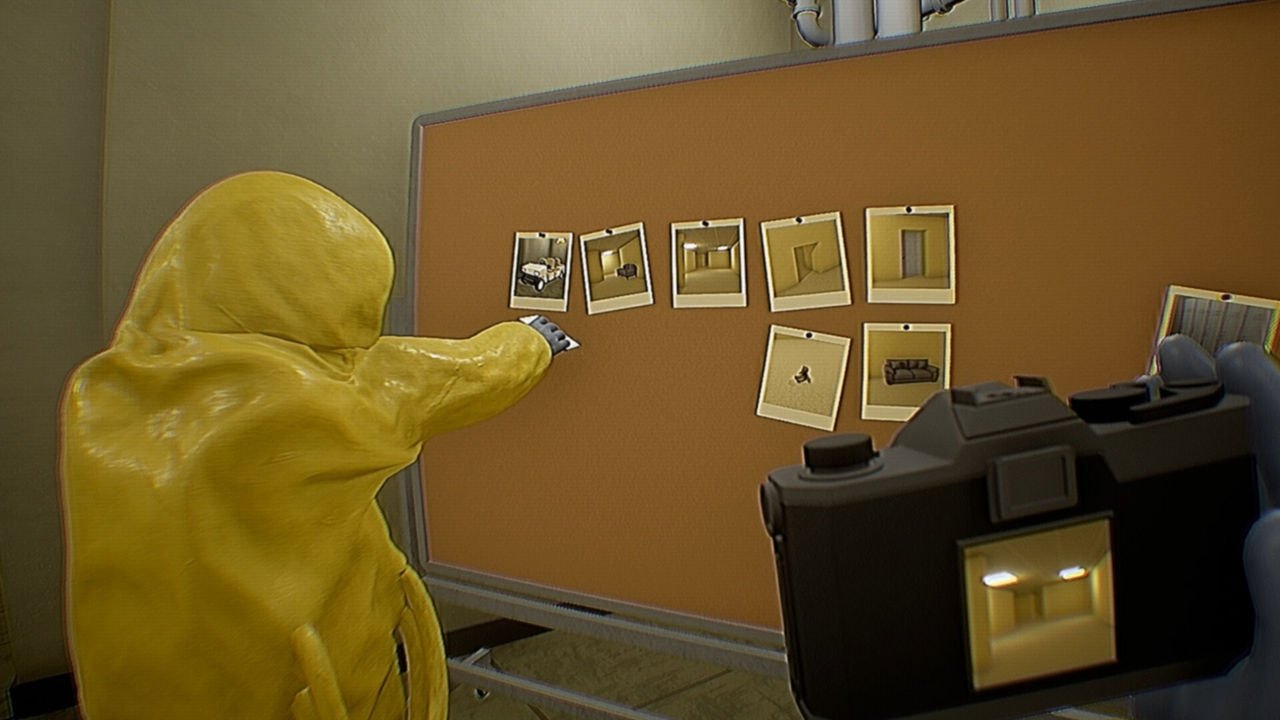
Each day hands the crew objectives, and the documented job types give you a way to plan. The official listing confirms only that you complete tasks and collect data; the specific types below come from the community fan guide, so treat them as reported rather than confirmed.
| Task type | Typical work | Confidence |
|---|---|---|
| Recording creatures | Capture evidence of what is down there | Community-documented |
| Photographing architecture | Document distorted or unusual structures | Community-documented |
| Recovering lost employees | Locate and bring back missing staff | Community-documented |
| Installing remote cameras | Extend coverage with placed cameras | Community-documented |
| Collecting strange objects | Recover items for the lab | Community-documented |
Controls, the Punch and Voice Comms
Controls are deliberately thin. The only community guide devoted to input documents the punch as a left click, and its whole content is: open the game, create a lobby, ready up, then press M1. That is a small but telling signal that new players were unsure whether they could fight back at all, and patch #16 then disabled unintended punching while a player is grabbed by a hostile.
| Input | Action | Source |
|---|---|---|
| Left click (M1) | Punch | Steam community guide |
| Push to talk | Voice chat | Patch #17 settings addition |
| ESC menu | Pause and settings | Patch #16 and #18 fixes |
Staying Alive and Getting Out
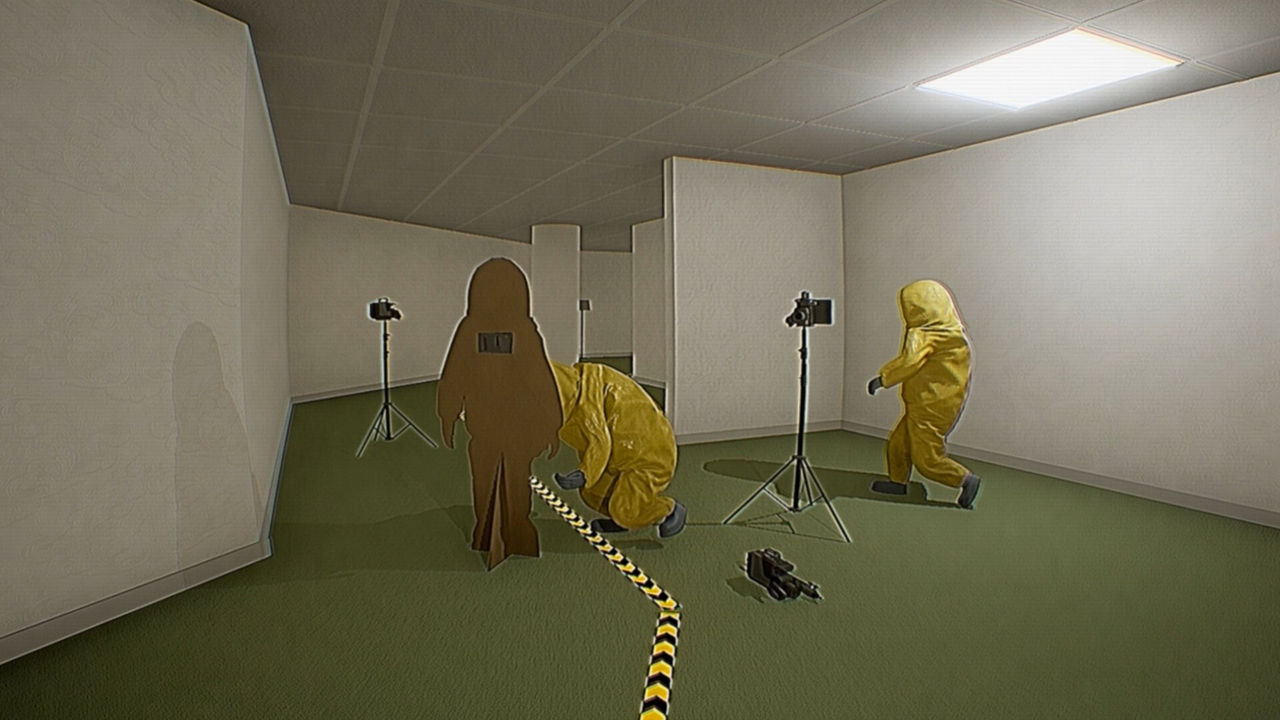
Safe behaviour is not documented in detail by the developer, so the reliable rules come from the game's own framing. The Steam warning that you may not be alone is the clearest signal that threats exist; the fan guide adds that depth equals danger and frames survival as reading the threats, keeping the squad intact and making it home with the data. Given the patch history, do not build a strategy around punching, because it was explicitly limited while grabbed.
A First-Dive Checklist
- Play the first run solo or with one friend so fewer resources are spread across the map.
- Take only tasks that sit along one direction of travel instead of crossing the complex.
- Keep one player watching the group's rear while the others document.
- Set a hard turn-back point before you leave, and honour it even if a task is unfinished.
- Return with partial data rather than none, because funding depends on what comes back.
- Re-read the Steam community patch notes after each session, since the build is changing weekly.
FAQ
Can you play Backrooms: Code Yellow solo?
Yes. The Steam store page lists Single-player as a category alongside Multi-player, Co-op and Online Co-op, and the fan guide states single-player is supported. The store page also warns that single-player play requires an active internet connection, so it is not an offline mode.
How many players can join one Backrooms: Code Yellow session?
Between 1 and 6. The official Steam description calls it an online 1-6 player co-op game, and the category list includes both Co-op and Online Co-op. The game is built around a squad splitting duties, so a full lobby of six is the intended shape even though one player can go in alone.
How do you punch in Backrooms: Code Yellow?
Left click, according to the community guide titled How to punch: open the game, create a lobby in single-player or multiplayer, ready up, then press M1. The guide only documents the input, and patch #16 later removed unintended punching while a player is grabbed, so the punch is not a reliable defence.
Does Backrooms: Code Yellow have a tutorial or a campaign?
There is no documented tutorial or linear campaign. The Steam description frames the game around completing tasks, collecting data and returning to earn funding for the next day, and the fan guide describes the design as open-ended exploration and research rather than a linear story. Expect to learn the loop by playing it.
What should a new squad do on the first dive?
Stay together, accept a shallow run and extract early rather than pushing deep on the first attempt. The Steam warning that you may not be alone, plus the day-and-funding loop, both reward returning with data over exploring one more corridor. Exact threat behaviour is not documented, so treat any specific advice as community guidance.
References
- Backrooms: Code Yellow on Steam
- Backrooms: Code Yellow — Steam Community Hub
- Backrooms: Code Yellow — Steam Guides
- Backrooms: Code Yellow unofficial fan guide
Facts on this page are compiled from the references above. Items marked "to confirm" are single-source and not yet verified.