
Alchemy Factory · Building · Guide
Alchemy Factory Blueprints — Steam Workshop and Early-Game Layouts
Alchemy Factory blueprints: how Steam Workshop sharing works, the four early-game blueprint categories, and habits that keep your factory layouts reusable.
By the New Game Wiki team · Updated 2026-10-04
On this page (8)
Alchemy Factory blueprints are saved layouts you can stamp down again, and because the game supports Steam Workshop, you can also subscribe to other players' factories instead of building everything yourself. The official description covers the range from beginner-friendly starter layouts to complex veteran production plans, which makes blueprints the fastest way past the early game's most common problem: rebuilding the same setup three times before it works.
How Blueprints Work
A blueprint captures a layout so you can place it repeatedly, and the Workshop is the exchange. The Steam description frames it around learning the production systems faster and drawing inspiration from other players' designs, with the same system letting you upload your own layouts. Practically, that means you can either design a working chain once and reuse it per floor, or download a proven one when a production type is new to you.
| Blueprint source | What you get | Best for |
|---|---|---|
| Your own saves | A layout you already debugged | Repeating a chain you understand |
| Steam Workshop | Other players' layouts, beginner to complex | Learning a new production type |
| Community guides | Category advice on what is worth saving | Deciding what to blueprint at all |
The Four Early-Game Categories
The community guide's key insight is that early blueprints are best chosen from your current problem rather than from a machine list. It maps four symptoms to four blueprint categories, and treats each category as a function rather than a specific build.
| Symptom you feel | Blueprint category | What it does |
|---|---|---|
| Running out of basic resources repeatedly | Resource Processing | Converts raw inputs into stable, reusable outputs |
| Plant inputs are inconsistent or tedious | Plant and Nursery | Stabilises the plant side of production |
| Materials exist but production feels messy | Assembly and Component | Turns materials into components cleanly |
| Reconnecting machines slows expansion | Utility and Support | Keeps machines connected as the factory grows |
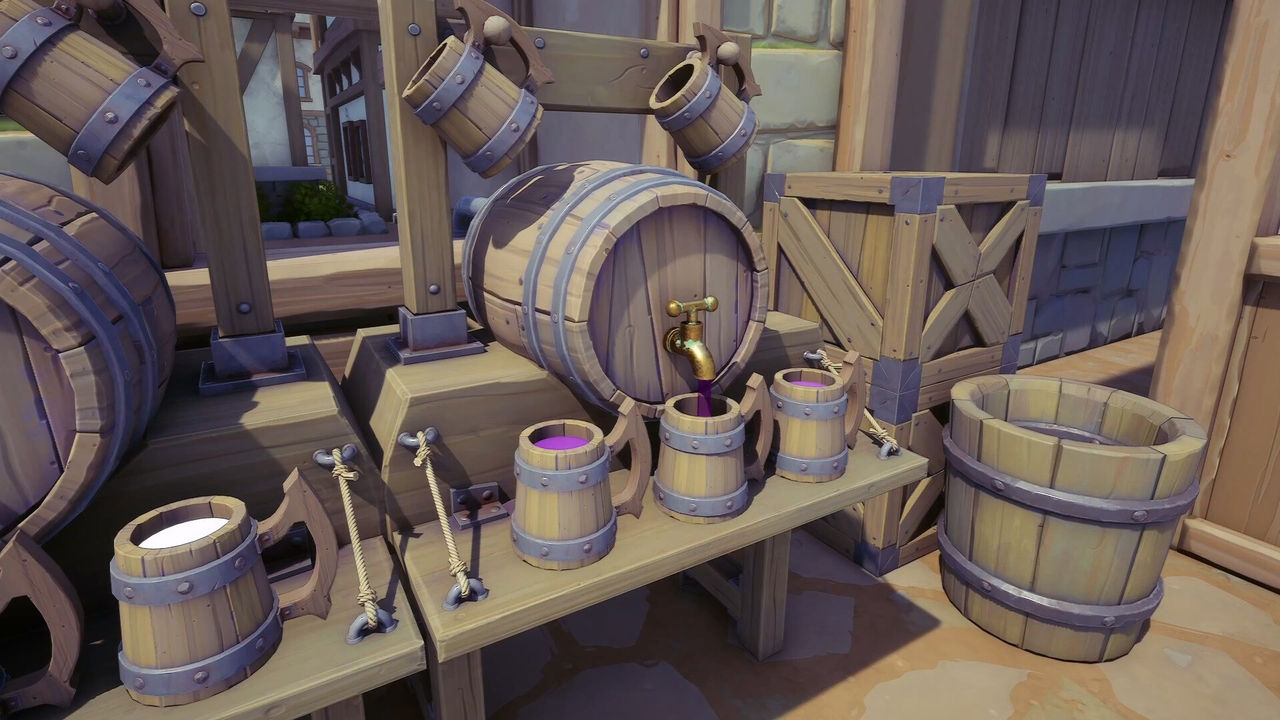
- Resource Processing blueprints cover chains such as Wood into planks or charcoal, Stone or Sand into construction materials, and basic ores into usable forms.
- Plant and Nursery blueprints exist because inconsistent plant input is the usual early bottleneck.
- Assembly and Component blueprints turn stable materials into the parts other chains need.
- Utility and Support blueprints are what stop expansion from breaking existing connections.
Blueprint Habits That Scale
The criteria for a blueprint worth saving are consistent across sources: it produces a core resource used by several systems, it stays useful beyond its first purpose, and it can be placed many times without redesign. The guide's warning is to skip anything too specialised or too resource-heavy early, because you will outgrow it before it pays for the redesign.
- Save production chains you will need on every floor, not one-off novelty builds.
- Build for openness; the guide warns against featureless borg cubes that are hard to debug.
- Keep a central hub blueprint for common build materials such as planks and gears.
- Reuse the same layout per floor so a new level is a copy, not a new design.
- Upload layouts that work, since the Workshop is a two-way exchange.
The exact blueprint size limits, how many slots a layout occupies, and whether downloaded blueprints are version-gated after 1.0 are not documented yet. For what to put on each floor, see the building guide, and for the production these blueprints serve, see cauldron recipes.
FAQ
How do blueprints work in Alchemy Factory?
They are saved factory layouts that you can place again, and they are shared through Steam Workshop. The official Steam description says you can subscribe to blueprints from beginner-friendly starter layouts up to complex production plans for veteran players, and that you can upload your own layouts to share.
What are the essential early-game blueprint types?
A community blueprint guide groups them into four functional categories: Resource Processing blueprints that convert raw inputs into stable outputs, Plant and Nursery blueprints for consistent plant inputs, Assembly and Component blueprints for turning materials into parts, and Utility and Support blueprints for keeping machines connected as you expand.
Why do early blueprints matter?
Because the early game is about stability rather than optimisation. The same guide says players between Levels 1 and 4 struggle not from missing machines but from repeated rebuilding, poor layout reuse and inconsistent production flow, and that blueprints let you lock in what works so you stop redesigning the same setup.
What makes a blueprint worth saving in the early game?
The guide's criteria are that it produces a core resource used across multiple systems, stays useful beyond its first purpose, and can be placed multiple times without redesign. Blueprints that are too specialised or too resource-heavy are better saved for the mid-game.
What kind of blueprint should I avoid?
The community guide warns against borg cube blueprints — solid, featureless blocks. They hide what a build does, make production problems harder to debug and do not save on rendering, so blueprints built for openness and transparency are easier to reuse and troubleshoot.
More in Building
More building pages in Alchemy Factory.
- Alchemy Factory Building Guide — Multi-Level Layouts, Belts and TransportGuideUpdated 2026-10-04
References
- The Steam Workshop for Alchemy Factory
- Essential Early Game Blueprints Guide - Alchemy Factory
- Alchemy Factory on Steam
- Guide :: Becoming the ultimate alchemist
Facts on this page are compiled from the references above. Items marked "to confirm" are single-source and not yet verified.